How AI wheel visualizers actually work
"AI wheel visualizer" covers everything from a PNG pasted over your photo to a full photoreal re-render. Here's the difference — and how to tell which one you're looking at.
The overlay approach
The oldest and cheapest kind of visualizer is an overlay. It takes a cut-out picture of a wheel — a PNG with a transparent background — and scales, rotates and pastes it over the wheel in your photo. It's fast, it's cheap to run, and for a rough idea it can be enough.
The trouble is that a pasted picture doesn't know anything about your photo. It keeps its own lighting, so it won't match the sun in your scene. It can't bend to your car's exact angle, so the perspective is often slightly off. It has no idea there's a brake caliper behind the spokes, and it can't reflect your surroundings the way a real wheel would. The result usually looks like a sticker — because that's essentially what it is.
The generative approach (what WheelPeek does)
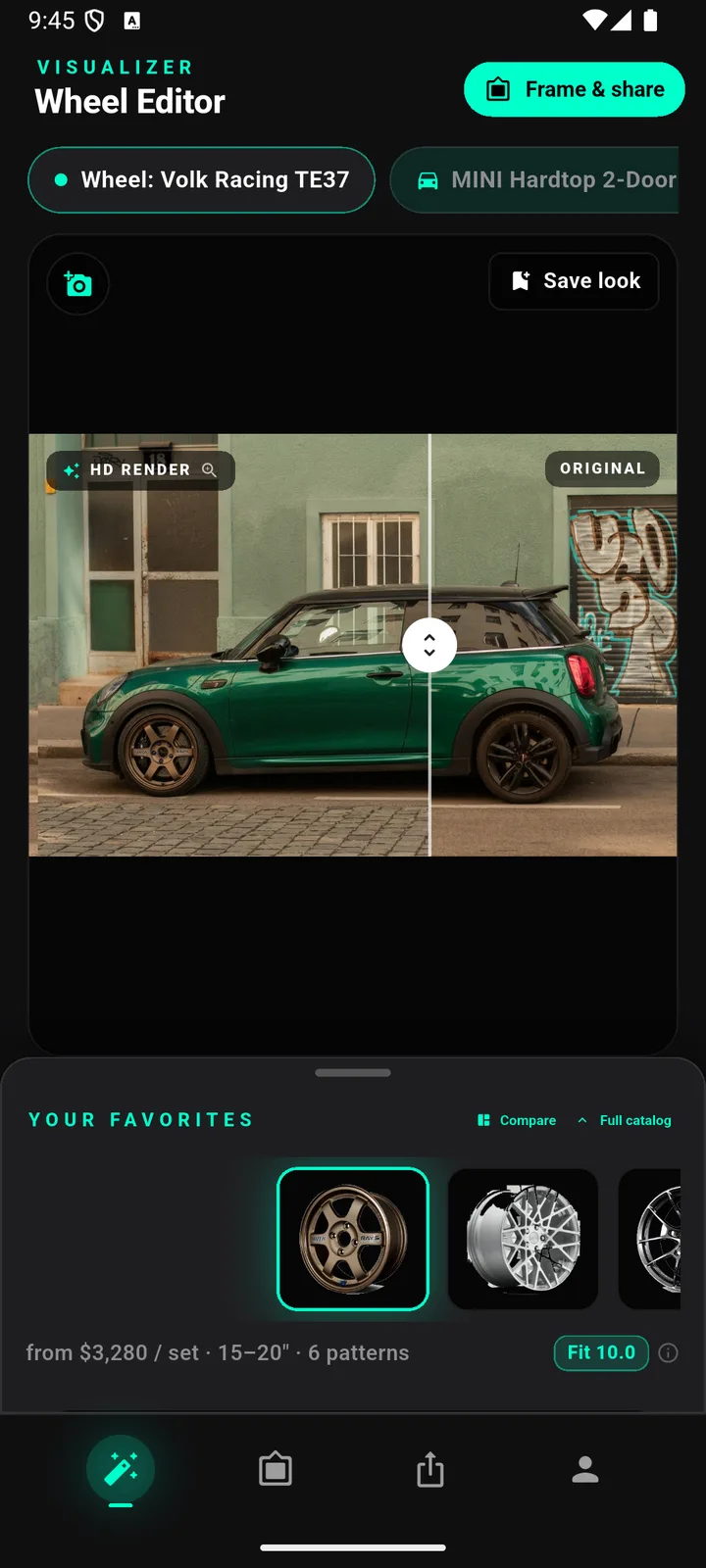
A generative visualizer doesn't paste anything. It works in two stages. First, a vision model reads your photo and locates the car and the exact position of each wheel. Then a photoreal image model — WheelPeek uses Google Gemini image models — regenerates the photo with the real wheel you picked fitted in place.
Because the whole image is generated together, everything is consistent: the new wheel is lit by the same light as your car, casts the right shadow, reflects the same surroundings, and shows the brake calipers through the spokes. It's not a wheel on top of your photo — it's a new photo of your car wearing that wheel. On WheelPeek that lands in about ten seconds.
Why QA matters
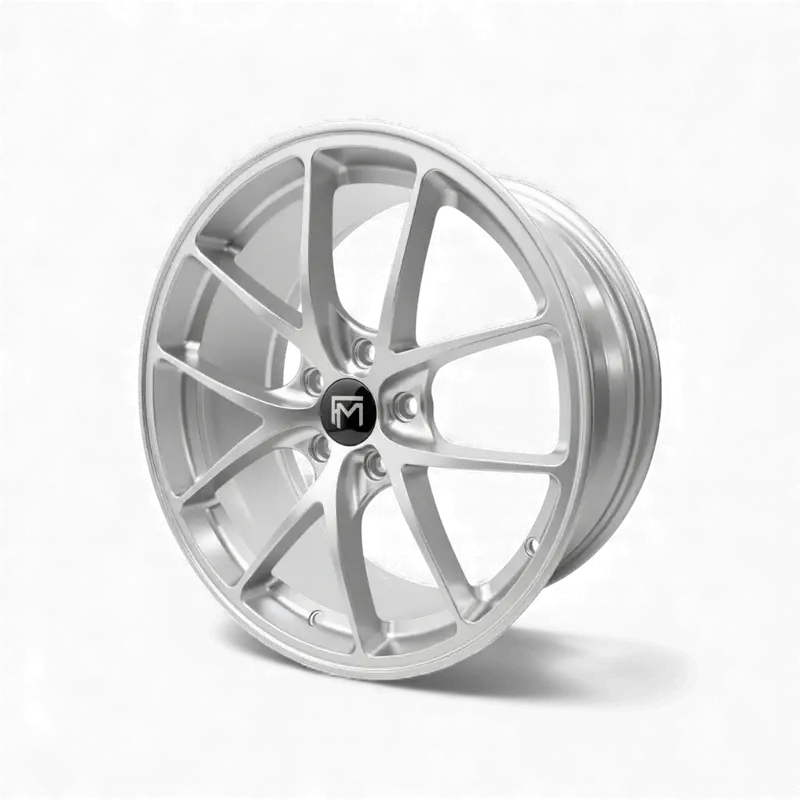
Generative models are powerful, but they can drift. Left unchecked, an image model might render the wrong spoke count, invent a finish the wheel doesn't come in, or subtly reshape the design. A pretty picture of the wrong wheel is worse than no picture, because it looks convincing.
That's why WheelPeek runs a quality check on every render. Each result is automatically compared against the wheel's real product photo, and if they don't match — wrong spokes, wrong finish, wrong proportions — the render is rejected and run again. Even so, renders are illustrative: they're there to show you the look, and they can still differ from the real product in small ways.
How to spot a bad visualization
Whatever tool you use, a few tells give away a weak result. If you see these, treat the picture with suspicion:
- The wheel looks pasted-on or floating, with a faint edge where it meets the tyre or arch.
- The lighting on the wheel points a different direction from the light on the car.
- The brake calipers are painted over, smeared, or missing entirely behind the spokes.
- The spoke count or design doesn't match the wheel's real product photo.
- The wheel looks identical from every angle, as if the same flat image was reused front and rear.
A good render survives a close look; a bad one falls apart the moment you compare it to the real product photo.
Renders are half the answer
A render answers one question well: what will it look like? It doesn't, on its own, tell you whether the wheel physically fits. That takes real fitment data — the bolt pattern, the sizes, and a Decision Score built from manufacturer specs. WheelPeek pairs the two, so the picture that shows the look sits next to the numbers that say it fits.
Worth reading next: wheel bolt patterns explained for the first fitment gate, and the wheel fitment guide for diameter, width, offset and brake clearance.
If you would rather start from the numbers, the free wheel offset calculator converts offset and backspacing and shows how much a wheel will poke, and the tire size calculator compares overall diameter and speedometer error against the usual 3% guideline — then render the shortlist to see what those numbers look like on your car.
Honest note: renders are illustrative and FITS badges and the Decision Score are estimates from manufacturer specs. Always verify bolt pattern, offset, width and brake clearance with the seller or manufacturer before ordering.
FAQ
Is it my actual car in the render?
Yes — with a generative render, it's your own photo regenerated in place with the new wheel fitted, not a stock car. The car, angle, background and lighting are yours; only the wheel changes.
Why did my render get rejected and re-run?
WheelPeek compares every render against the wheel's real product photo. If the result doesn't match — wrong spoke count, wrong finish, off proportions — it's automatically rejected and rendered again, so you don't end up looking at a convincing picture of the wrong wheel.
Can renders be wrong?
They can differ from the real product. Renders are illustrative, and even with a quality check they may not be pixel-perfect. Use them to judge the look, and confirm exact finish and fitment with the seller before you buy.